
How to deploy a custom PasswordHashProvider SPI in Keycloak. Build a bcrypt PasswordHashProvider for Keycloak 26.4, register its factory, install the JAR with kc.sh build and verify imported legacy hashes on login.
To deploy a custom PasswordHashProvider in Keycloak, implement PasswordHashProviderFactory and PasswordHashProvider, register the factory in META-INF/services, package it as a JAR, copy it to Keycloak’s providers/ directory and run kc.sh build. If new passwords should use it too, set the realm’s Hashing Algorithm password policy to your provider ID.
The example reads bcrypt hashes, so users you move from a bcrypt system keep their passwords. The code and screenshots follow Keycloak 26.4.0.
Prerequisites
- Keycloak 26.4.0, with access to its installation and admin console.
- JDK 17 or newer and Maven.
- Legacy bcrypt hashes to import, and Apache’s htpasswd, whose
-Boption uses bcrypt hashing, to make a test hash.
Step 1: Create the Maven project
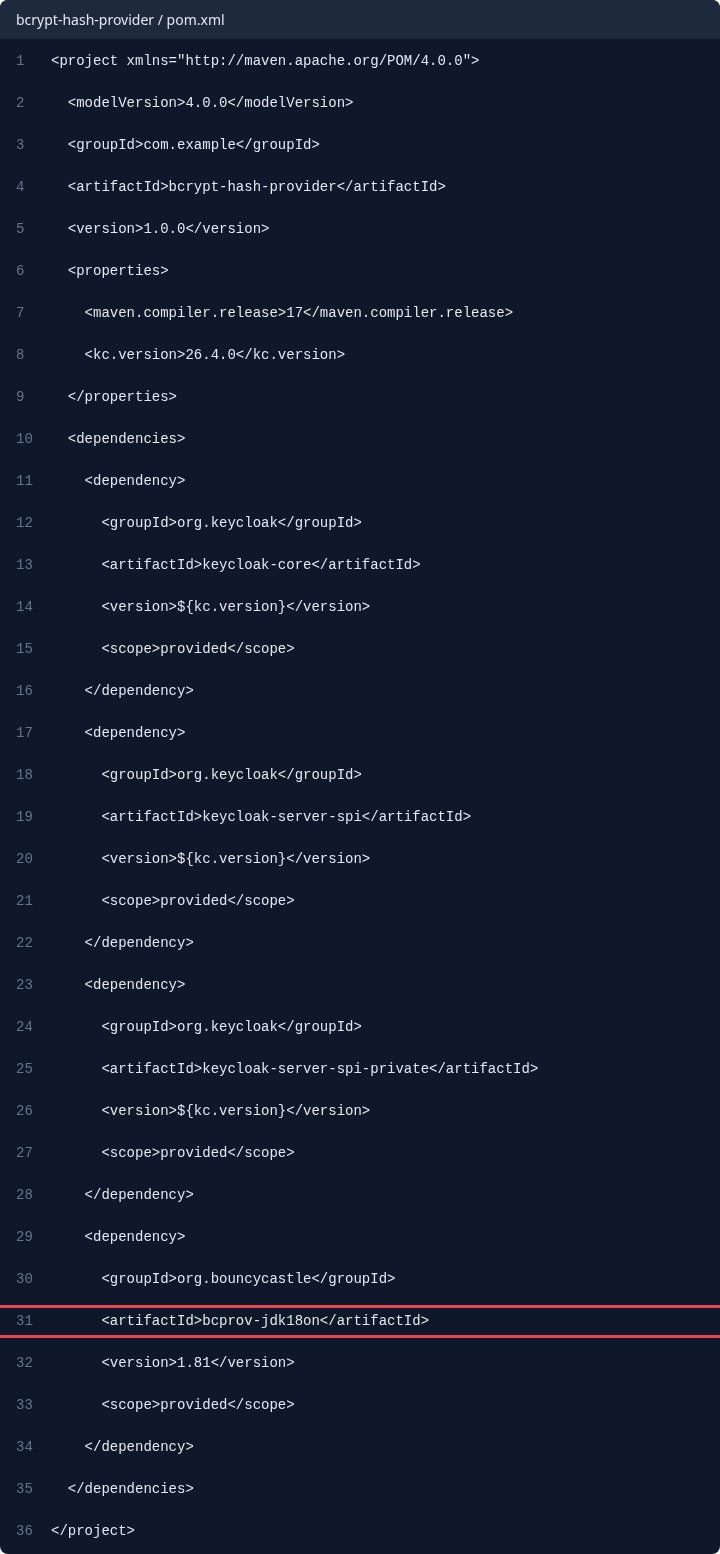
The pom declares Keycloak’s SPI modules and Bouncy Castle, which supplies bcrypt, all as provided. If your server has no bcprov JAR, copy one to providers/ with yours, as the provider guide describes for third-party dependencies.
<project xmlns="http://maven.apache.org/POM/4.0.0">
  <modelVersion>4.0.0</modelVersion>
  <groupId>com.example</groupId>
  <artifactId>bcrypt-hash-provider</artifactId>
  <version>1.0.0</version>
  <properties>
    <maven.compiler.release>17</maven.compiler.release>
    <kc.version>26.4.0</kc.version>
  </properties>
  <dependencies>
    <dependency>
      <groupId>org.keycloak</groupId>
      <artifactId>keycloak-core</artifactId>
      <version>${kc.version}</version>
      <scope>provided</scope>
    </dependency>
    <dependency>
      <groupId>org.keycloak</groupId>
      <artifactId>keycloak-server-spi</artifactId>
      <version>${kc.version}</version>
      <scope>provided</scope>
    </dependency>
    <dependency>
      <groupId>org.keycloak</groupId>
      <artifactId>keycloak-server-spi-private</artifactId>
      <version>${kc.version}</version>
      <scope>provided</scope>
    </dependency>
    <dependency>
      <groupId>org.bouncycastle</groupId>
      <artifactId>bcprov-jdk18on</artifactId>
      <version>1.81</version>
      <scope>provided</scope>
    </dependency>
  </dependencies>
</project>
Step 2: Write the PasswordHashProvider
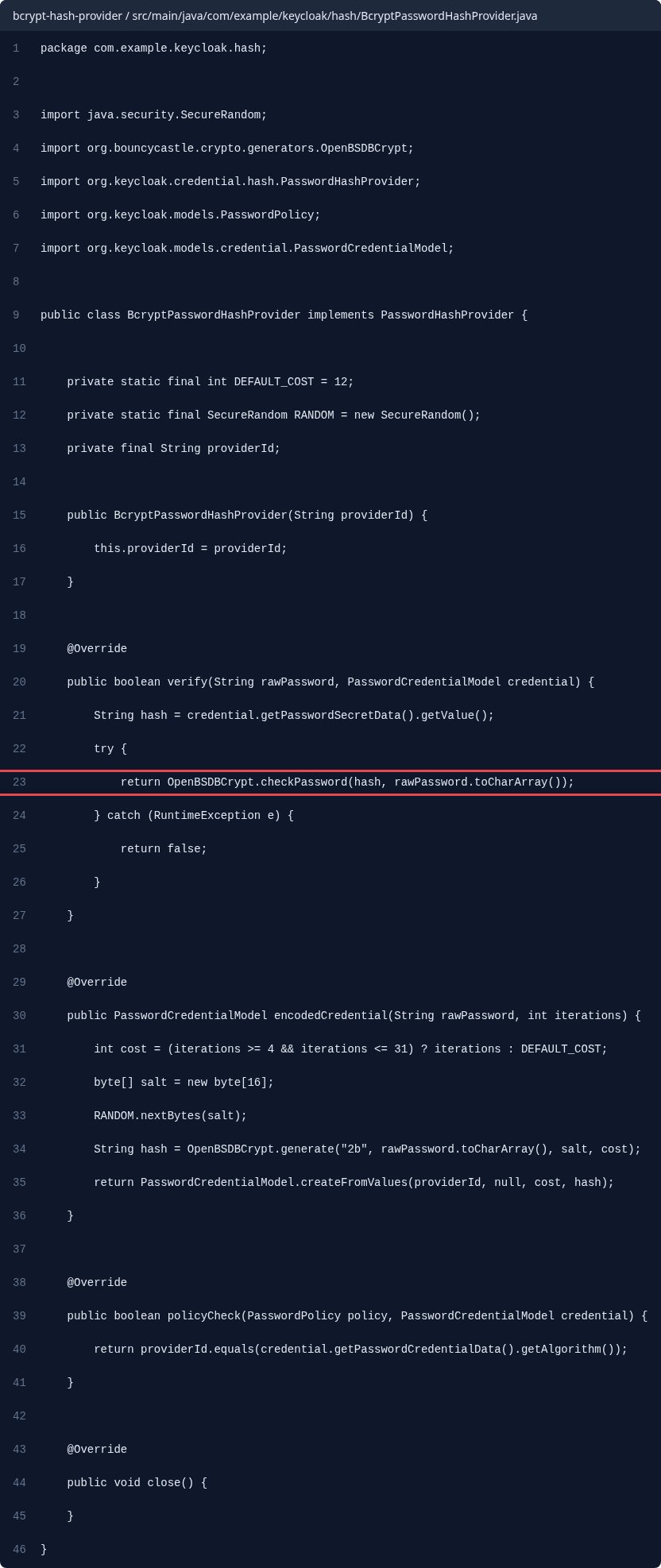
verify checks a typed password against a stored credential, encodedCredential hashes a new one, and policyCheck says whether a stored credential matches the realm’s policy. The provider keeps the whole bcrypt string as the secret’s value.
package com.example.keycloak.hash;

import java.security.SecureRandom;
import org.bouncycastle.crypto.generators.OpenBSDBCrypt;
import org.keycloak.credential.hash.PasswordHashProvider;
import org.keycloak.models.PasswordPolicy;
import org.keycloak.models.credential.PasswordCredentialModel;

public class BcryptPasswordHashProvider implements PasswordHashProvider {

    private static final int DEFAULT_COST = 12;
    private static final SecureRandom RANDOM = new SecureRandom();
    private final String providerId;

    public BcryptPasswordHashProvider(String providerId) {
        this.providerId = providerId;
    }

    @Override
    public boolean verify(String rawPassword, PasswordCredentialModel credential) {
        String hash = credential.getPasswordSecretData().getValue();
        try {
            return OpenBSDBCrypt.checkPassword(hash, rawPassword.toCharArray());
        } catch (RuntimeException e) {
            return false;
        }
    }

    @Override
    public PasswordCredentialModel encodedCredential(String rawPassword, int iterations) {
        int cost = (iterations >= 4 && iterations <= 31) ? iterations : DEFAULT_COST;
        byte[] salt = new byte[16];
        RANDOM.nextBytes(salt);
        String hash = OpenBSDBCrypt.generate("2b", rawPassword.toCharArray(), salt, cost);
        return PasswordCredentialModel.createFromValues(providerId, null, cost, hash);
    }

    @Override
    public boolean policyCheck(PasswordPolicy policy, PasswordCredentialModel credential) {
        return providerId.equals(credential.getPasswordCredentialData().getAlgorithm());
    }

    @Override
    public void close() {
    }
}
Step 3: Write the factory with a unique provider ID
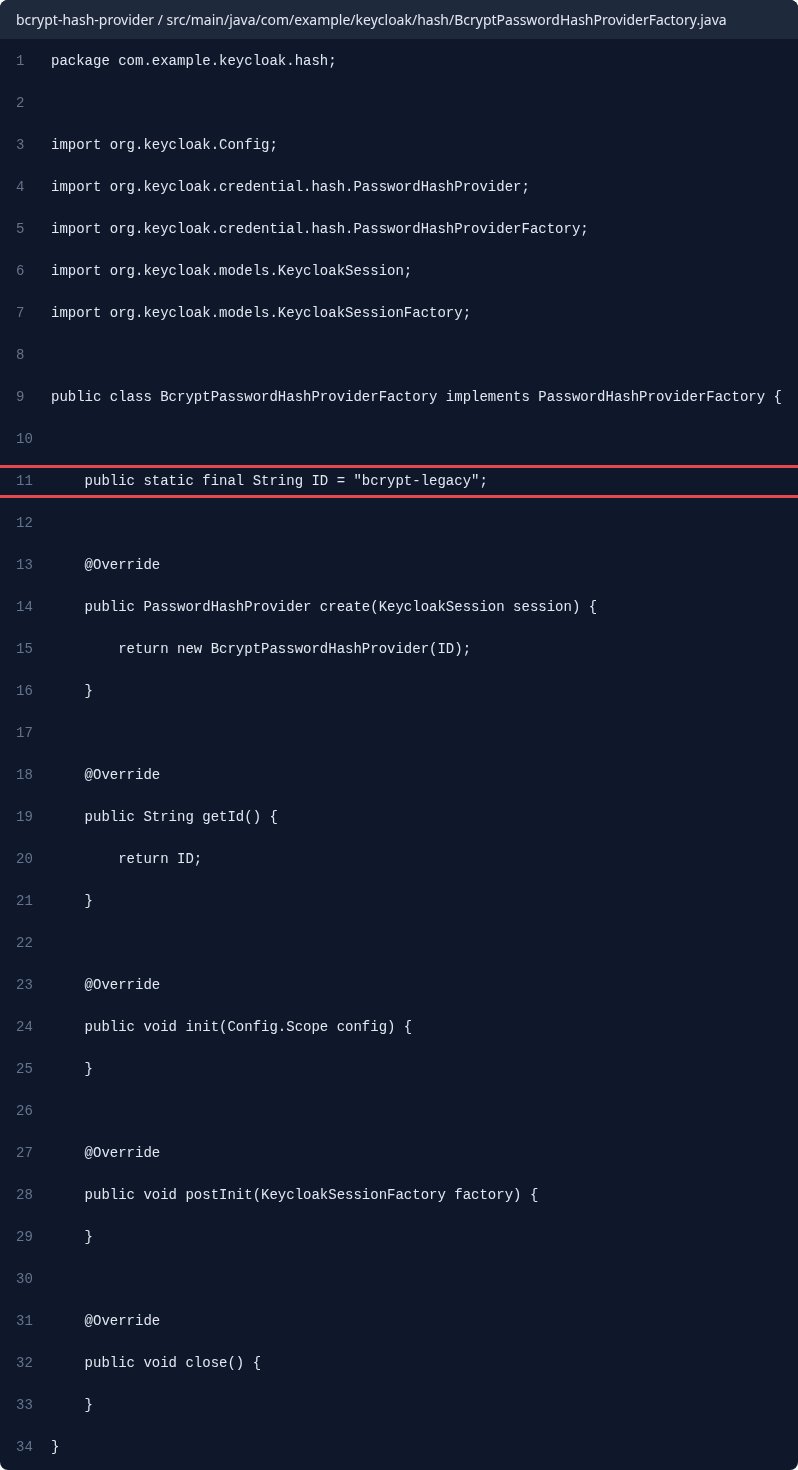
The factory’s ID is what a credential’s algorithm field and the policy refer to. Keycloak ships argon2, pbkdf2-sha512, pbkdf2-sha256 and pbkdf2, and its developer guide recommends a unique ID per factory, so we use bcrypt-legacy.
package com.example.keycloak.hash;

import org.keycloak.Config;
import org.keycloak.credential.hash.PasswordHashProvider;
import org.keycloak.credential.hash.PasswordHashProviderFactory;
import org.keycloak.models.KeycloakSession;
import org.keycloak.models.KeycloakSessionFactory;

public class BcryptPasswordHashProviderFactory implements PasswordHashProviderFactory {

    public static final String ID = "bcrypt-legacy";

    @Override
    public PasswordHashProvider create(KeycloakSession session) {
        return new BcryptPasswordHashProvider(ID);
    }

    @Override
    public String getId() {
        return ID;
    }

    @Override
    public void init(Config.Scope config) {
    }

    @Override
    public void postInit(KeycloakSessionFactory factory) {
    }

    @Override
    public void close() {
    }
}
Step 4: Register the factory in META-INF/services

The developer guide says an SPI implementation also needs a service configuration file. Create src/main/resources/META-INF/services/org.keycloak.credential.hash.PasswordHashProviderFactory holding your factory’s class name:
com.example.keycloak.hash.BcryptPasswordHashProviderFactorySomewhere to run this that stays patched
Everything above works the same on Skycloak, because it is real upstream Keycloak rather than a fork. What changes is who handles the upgrades, backups and security patches afterwards.
Step 5: Install the JAR and run kc.sh build
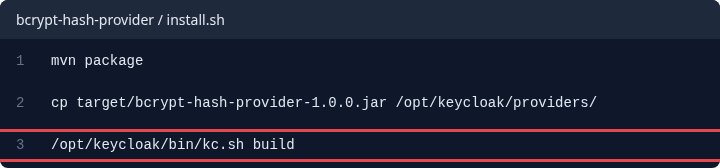
Package the project, copy the JAR to providers/ and run the build, which an optimized server needs to register a new provider.
mvn package
cp target/bcrypt-hash-provider-1.0.0.jar /opt/keycloak/providers/
/opt/keycloak/bin/kc.sh build
Step 6: Set the Hashing Algorithm policy
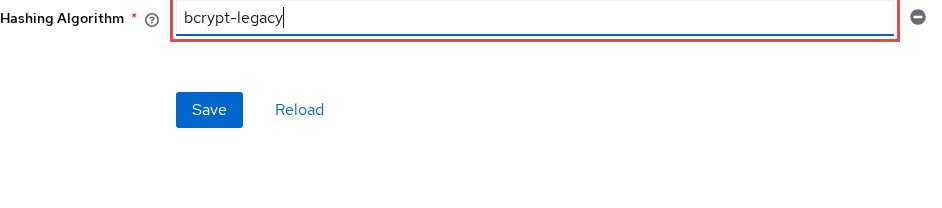
In your realm, click Authentication and then the Policies tab, as the admin guide describes; on Password policy, open Add policy, pick Hashing Algorithm, type bcrypt-legacy and save. Do this only when new passwords should be bcrypt too.
To move users to Argon2 instead, leave the policy at argon2: imported hashes still verify through your provider, and stored hashes do not change until the user logs in. Our password policy guide covers the other policies.
Test it
In the master realm, click your user name at the top right, select Realm info and open its Provider info tab, as the admin guide describes, and look for bcrypt-legacy. Then hash a test password:
htpasswd -bnBC 10 legacy.user 'Demo-pass-123' | cut -d: -f2Paste it into legacy-user.json, with bcrypt-legacy as the algorithm:
{
  "username": "legacy.user",
  "enabled": true,
  "credentials": [{
    "type": "password",
    "secretData": "{\"value\":\"PASTE_THE_BCRYPT_HASH_HERE\"}",
    "credentialData": "{\"hashIterations\":10,\"algorithm\":\"bcrypt-legacy\"}"
  }]
}
Run kcadm.sh create users -r hash-demo -f legacy-user.json, then sign in at /realms/hash-demo/account/ as legacy.user with Demo-pass-123. The sign-in succeeds, and with the policy at argon2, Show data on the user’s Credentials tab now shows argon2.
Troubleshooting
bcrypt-legacy is missing from Provider info. The JAR was not loaded. Check with jar tf that the services file has the exact interface name, then run kc.sh build again.
The provider is missing after a restart. A server started with --optimized needs a build to update its provider registry. Run kc.sh build after every JAR change.
An imported user gets “Invalid username or password”. Often the credential’s algorithm names no loaded provider. Check the spelling, and that no shell expanded the $ signs in the hash.
A built-in hasher answers instead of yours. Your factory reuses a built-in ID, and with several implementations of one ID Keycloak uses only the one with the highest order. Our post on SPI provider ID collisions has more.
NoSuchMethodError at startup after an upgrade. The JAR was compiled against older Keycloak modules. Set kc.version to the new release, rebuild, and test on staging first.
FAQ
Does Keycloak support bcrypt password hashes?
No. Its built-in hashers are argon2 and three PBKDF2 variants, so bcrypt needs a provider like this one.
How do I rehash bcrypt passwords to Argon2 in Keycloak?
Keep the Hashing Algorithm at argon2: the admin guide says stored hashes do not change until the user logs in. Users who never sign in keep bcrypt, so keep the JAR installed.
Can I upload a custom PasswordHashProvider JAR to Skycloak managed Keycloak?
Yes, on Enterprise or on Business with the Bring Your Own Extension add-on. You upload the JAR in the cluster’s Custom Extensions tab, it is scanned with ClamAV, and you install it once it is clean, as our extensions documentation describes.
Should I use a hash provider or user federation for legacy users?
Use a hash provider when you can export the hashes, and a custom user federation provider when they cannot leave the old system. Our post on federating or migrating legacy users helps you choose.
Next steps
- Keycloak custom SPI development
- Azure AD B2C custom policies to Keycloak flows
- Keycloak’s Server Developer Guide
Build the sample provider, then see managed Keycloak hosting on Skycloak and ask our support team about running your extension there.