oidc
Articles tagged with oidc.
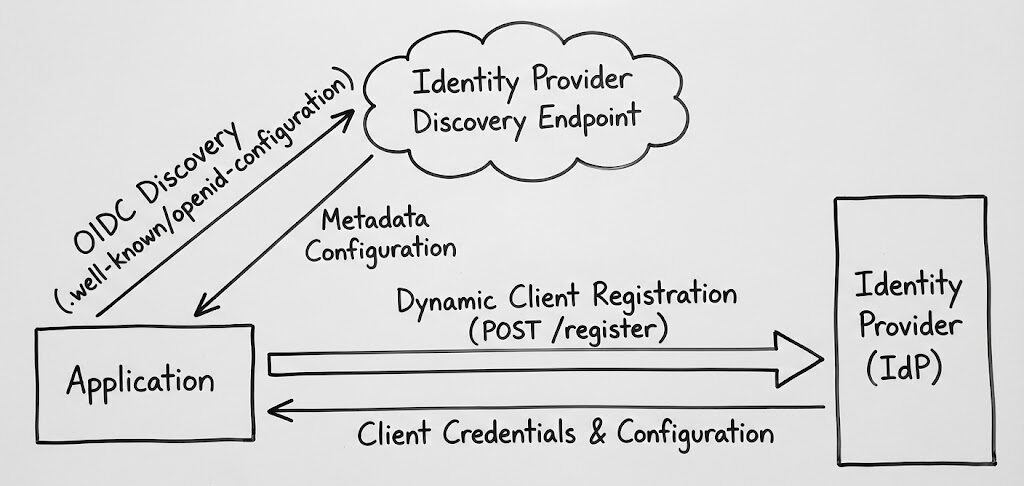
OIDC Discovery and Dynamic Client Registration Explained
Automate identity provider configuration with OIDC Discovery and Dynamic Client Registration to reduce errors, improve security, and scale efficiently.
 11 min read
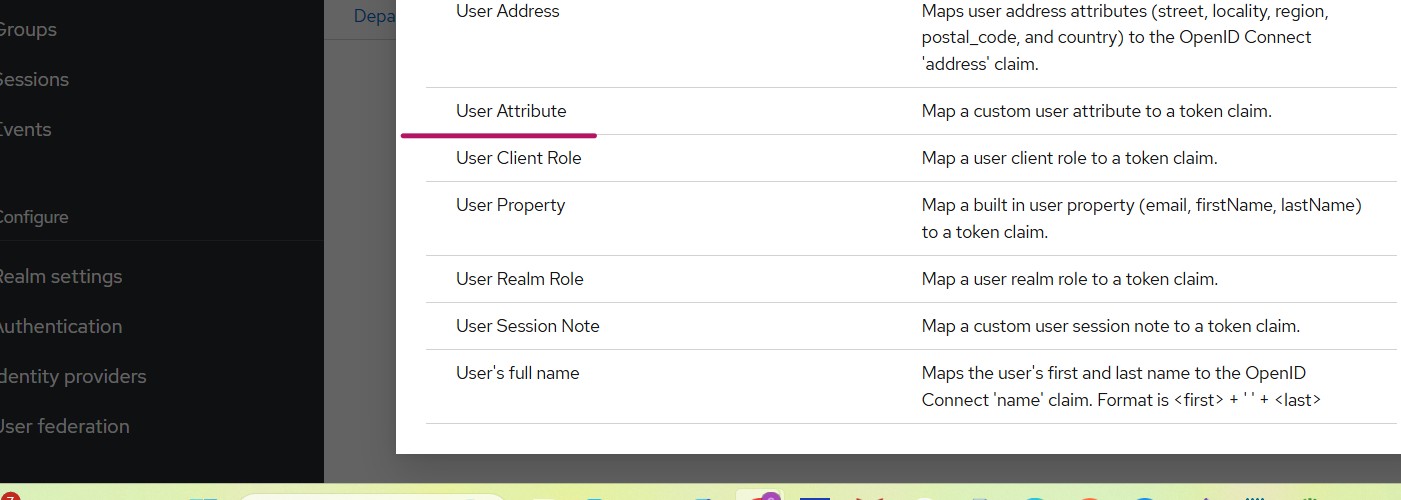
Using Custom User Attributes in Keycloak OIDC Tokens
Learn how to add custom user attributes to Keycloak OIDC tokens and map them to your client application. Includes Spring…
4 min read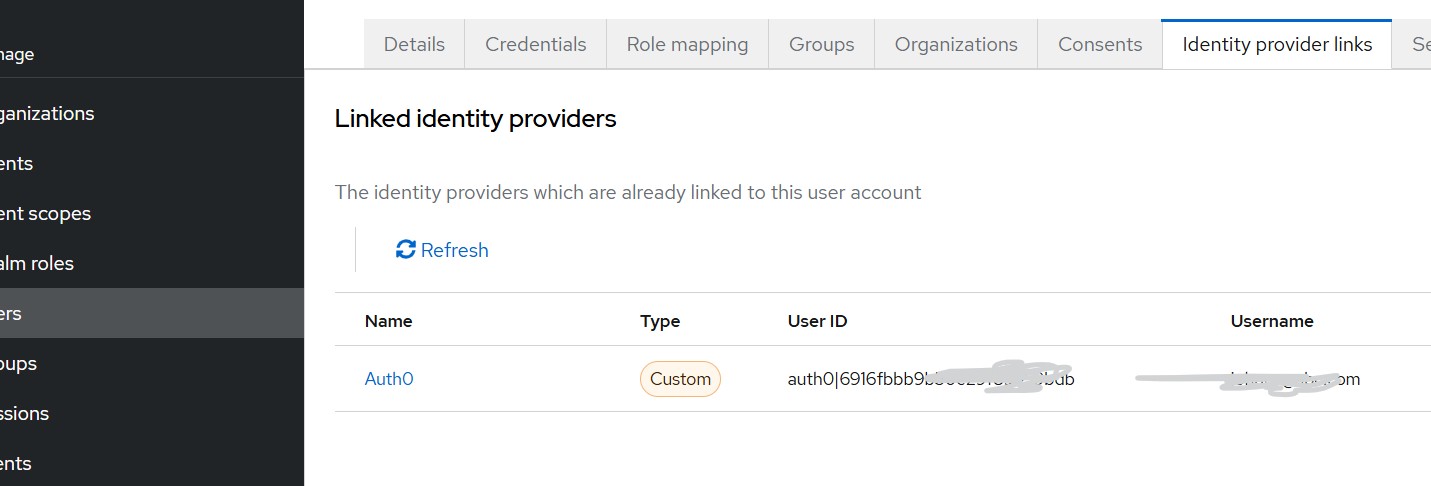
Attribute Mapping in Keycloak During OIDC Identity Brokering
Learn how to map user attributes like email and phone number in Keycloak during OIDC identity brokering with external providers…
 4 min read
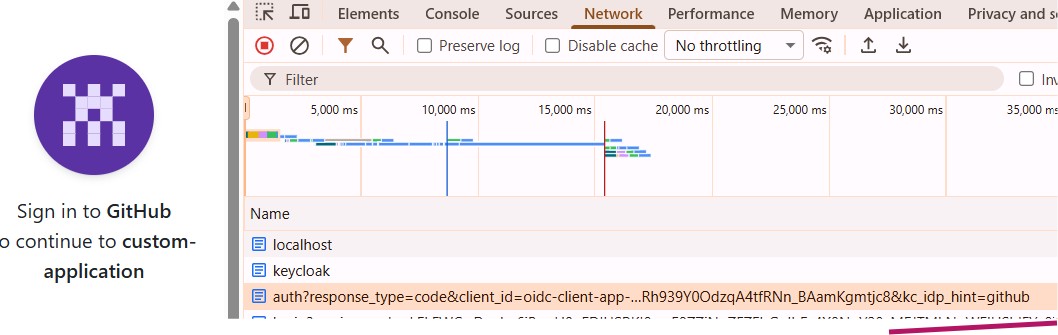
Use kc_idp_hint to Choose Identity Provider in Keycloak
Learn how to use kc_idp_hint in Keycloak to skip the login screen and redirect users directly to a specific identity…
8 min read
Authentication Technology Refresh: Modernization Planning and Timeline
Plan your authentication modernization with this step-by-step guide covering protocol selection, migration timelines, and compliance requirements.
7 min read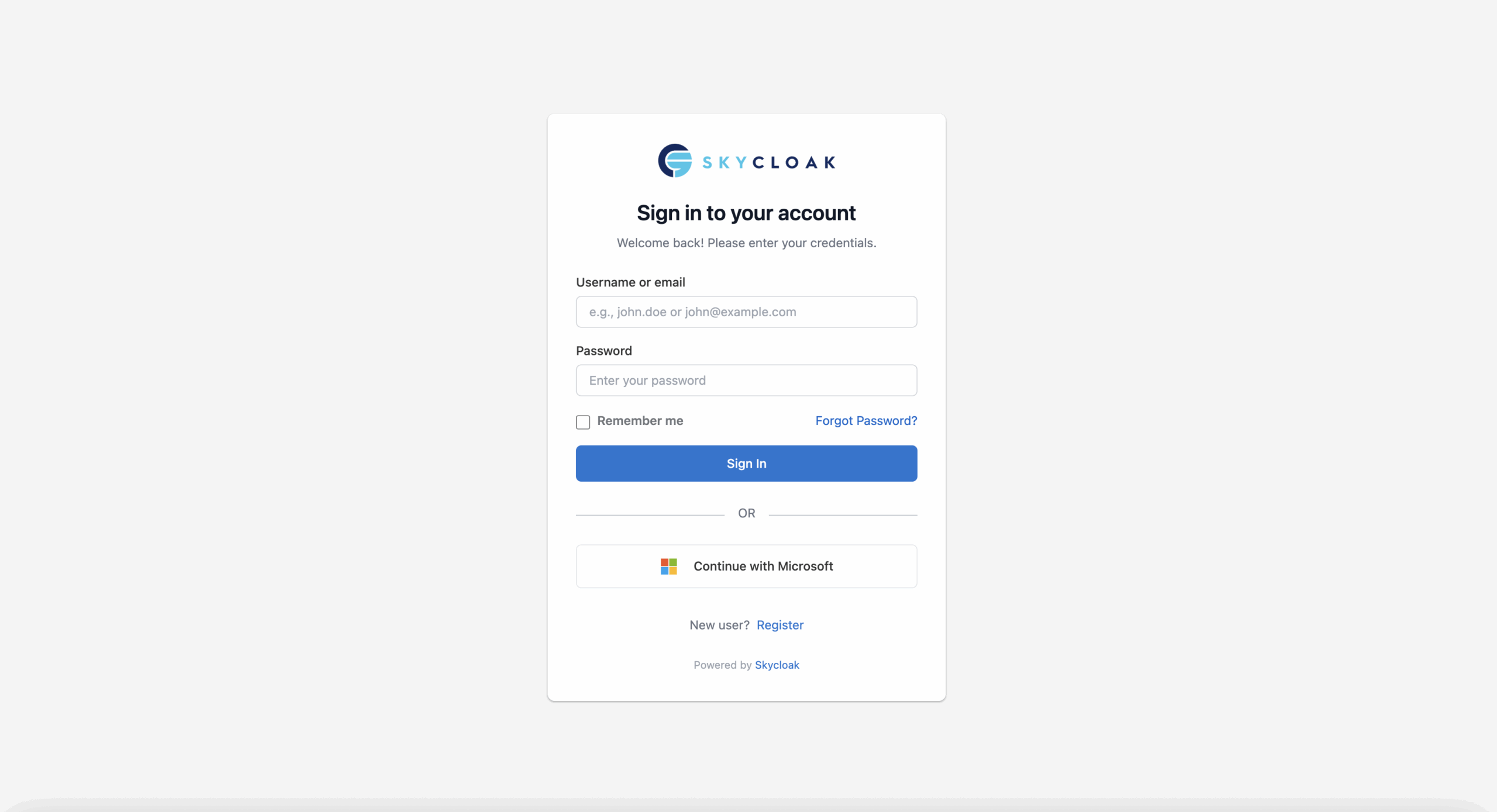
Setting Up Microsoft Entra ID SSO with Keycloak (OIDC)
Learn how to configure Microsoft Entra ID SSO with Keycloak using OIDC. Step-by-step guide covering app registration, client setup, and…
10 min read
Session Management in Keycloak: From Refresh to Idle Timeouts
How Keycloak session management works: access, refresh and ID tokens, the SSO idle and session-max timeouts, token lifespans, and security…
7 min read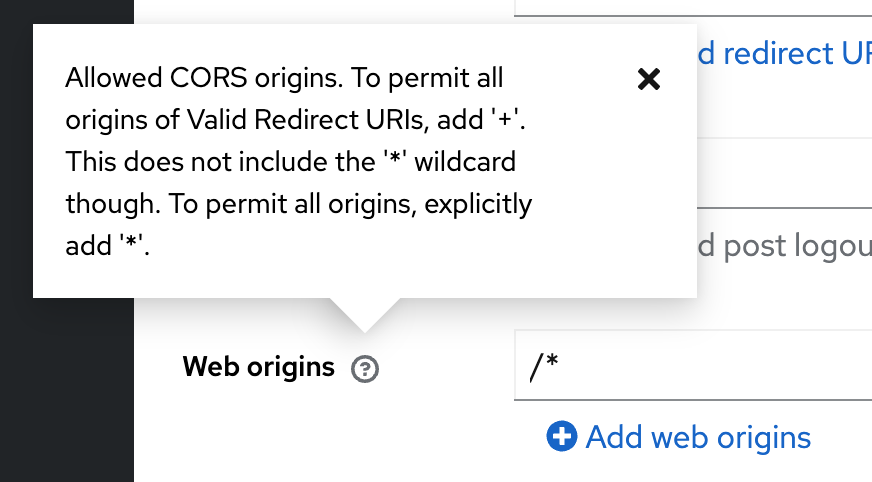
Keycloak CORS: the Web Origins Setting That Fixes It
Fix Keycloak CORS errors with the client's Web origins: use the exact origin or +, never *. Each exact browser…
10 min read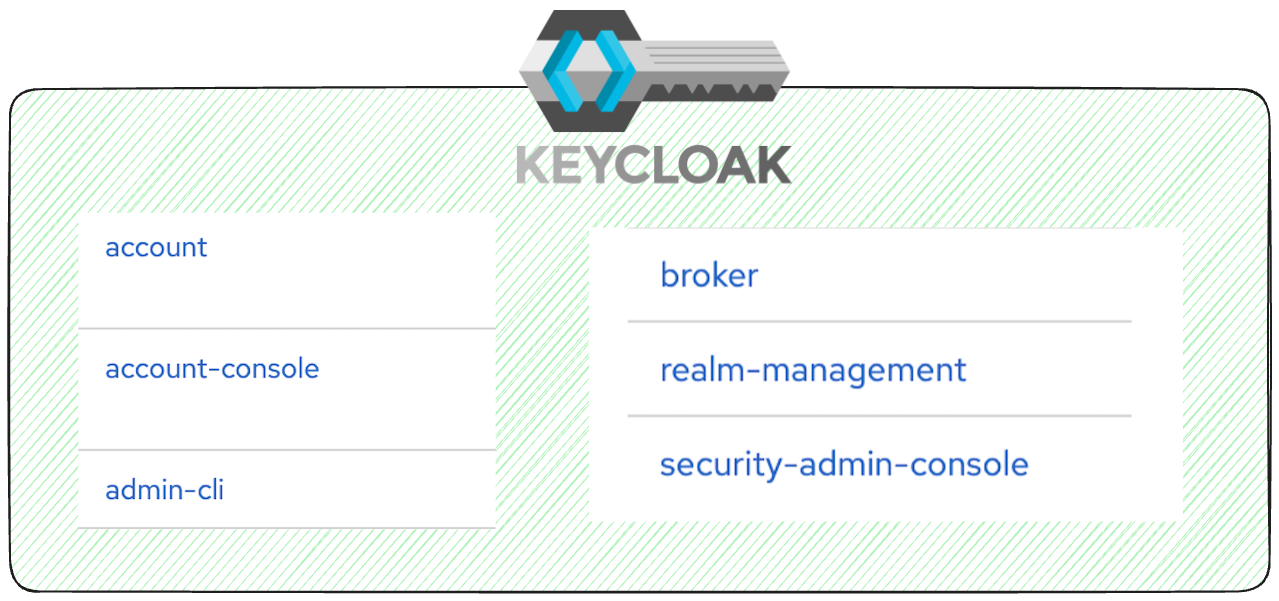
What to Do With the Default Clients in Your Newly Created Keycloak Realm?
Learn what each default Keycloak realm client does and how to harden security by disabling unused clients and reviewing scopes.
3 min read
Identity and Access Management (IAM): What It Is
What is identity and access management (IAM)? Its four functions, the standards behind them (OIDC, SAML, SCIM, LDAP), machine identities…
16 min readStay ahead on identity & security
Get tutorials, product updates, and Keycloak tips delivered to your inbox.