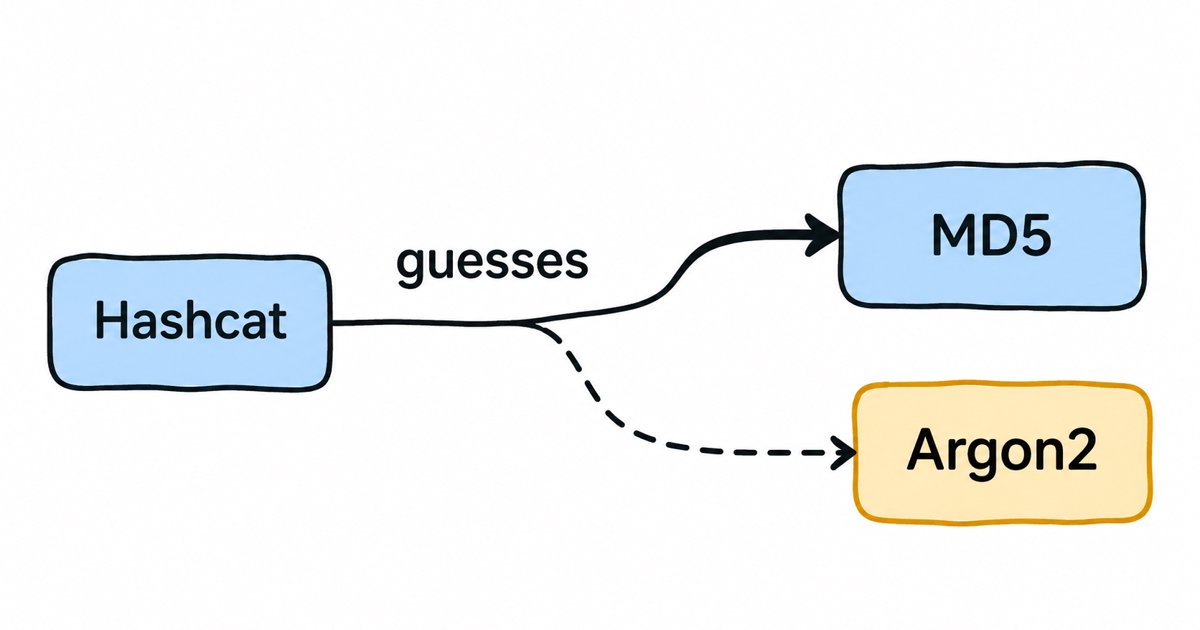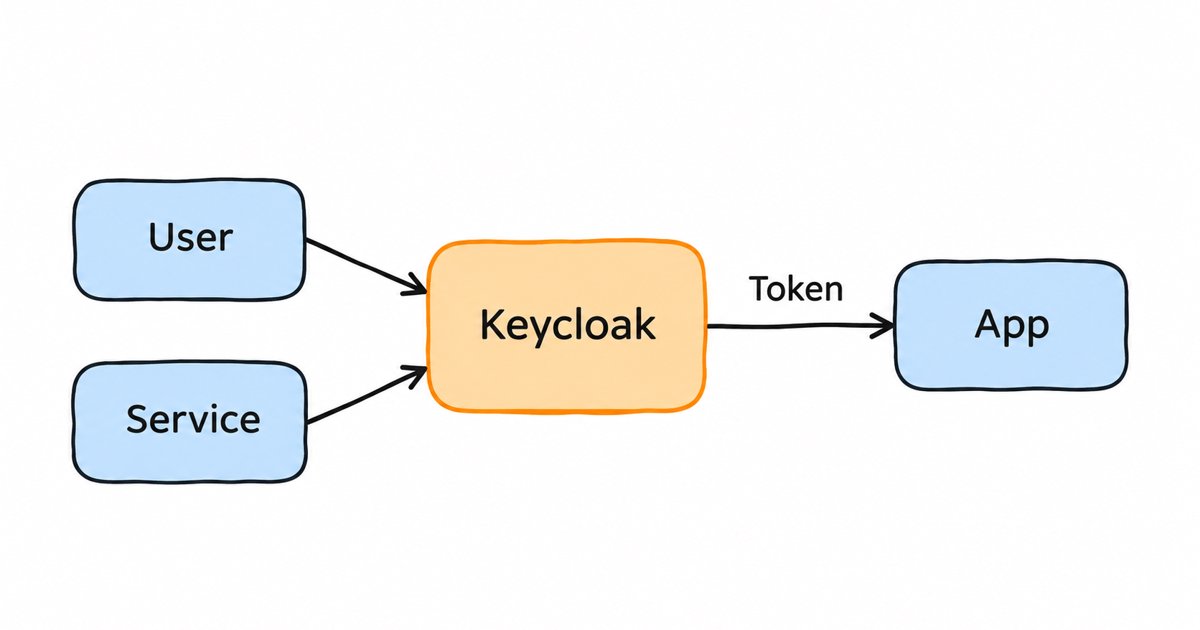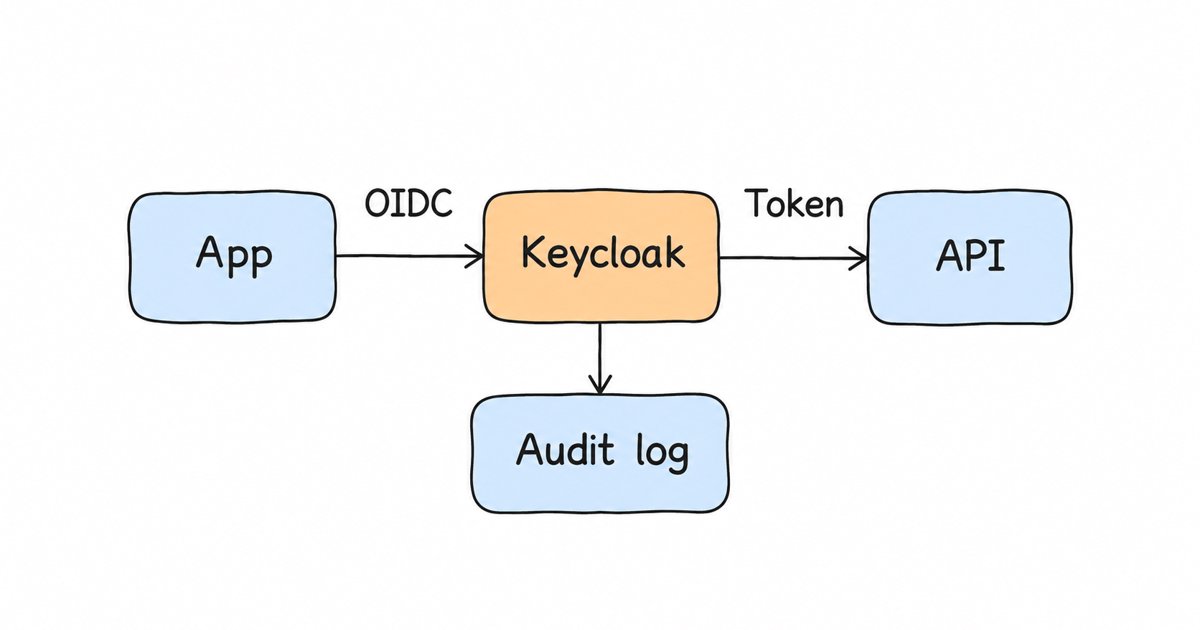
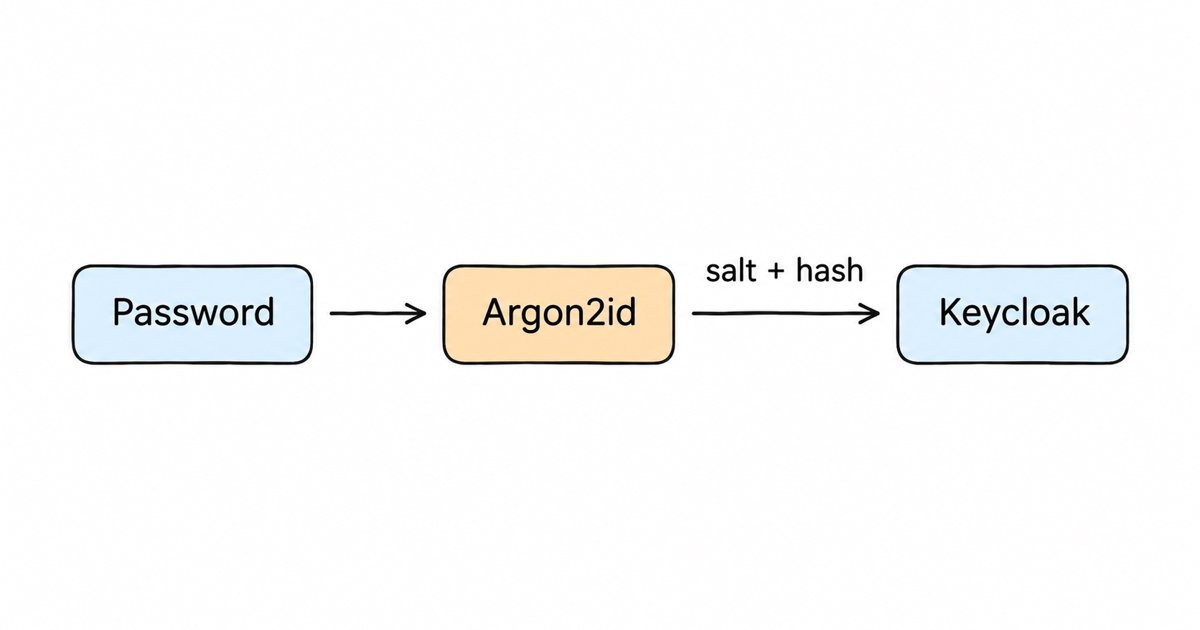
Argon2 Explained: Parameters and How Keycloak Uses It. Argon2 is the memory-hard password hash that won the PHC in 2015. Learn Argon2id, the OWASP and RFC 9106 parameters, hash strings and Keycloak's defaults.
Argon2 is a memory-hard password hashing function that won the Password Hashing Competition in 2015 and is specified in RFC 9106, an informational RFC from the IRTF. Use the Argon2id variant with at least OWASP’s minimum of 19 MiB of memory, 2 iterations and parallelism 1 (OWASP Password Storage Cheat Sheet). Keycloak has used Argon2 as its default password hash outside FIPS mode since version 25, with Argon2id, 7 MiB and 5 iterations, which is another of OWASP’s equivalent settings.
This post is for developers and identity admins who already know passwords must be hashed and have heard that Argon2 is the modern choice, but want to know which variant to pick, which numbers to put in the parameters, how to read an $argon2id$... string, and what their identity provider does by default. We start with the algorithm and its variants, put the RFC and OWASP recommendations side by side, decode a hash string field by field, and then show how Keycloak stores, tunes and upgrades Argon2 hashes. The Keycloak details were checked against the Keycloak 26.8.2 source code and the current Server Administration Guide.
Key takeaways
- Argon2id is the variant to use for passwords; RFC 9106 makes it the one variant every implementation must support (RFC 9106, section 1).
- Argon2 has three cost parameters: memory (m), iterations (t) and parallelism (p). Memory is what makes it expensive on GPUs and custom hardware.
- OWASP lists five Argon2id settings it considers equally strong, from 46 MiB with 1 iteration down to 7 MiB with 5 iterations; Keycloak’s default is the last of them.
- Keycloak re-hashes a password at the user’s next successful login when the stored parameters differ from the configured ones, so you can change the settings without forcing a password reset (
PasswordCredentialProvider.java).- In FIPS mode Keycloak cannot use Argon2 and falls back to PBKDF2-SHA512 (Keycloak FIPS guide, Server Administration Guide).
What is Argon2?
Argon2 is a function that turns a password and a random salt into a hash that is deliberately slow and memory-hungry to compute. A normal hash such as SHA-256 is built to be fast, which is good for checking file integrity but bad for passwords, because an attacker who steals your user table can try billions of guesses per second on graphics cards. A password hashing function adds a cost you can tune, so that each guess takes real time and, in Argon2’s case, real memory.
The Password Hashing Competition ran “from 2013 to 2015 as an open competition”, received 24 candidates and selected Argon2, designed by Alex Biryukov, Daniel Dinu and Dmitry Khovratovich at the University of Luxembourg, as its one winner (password-hashing.net). The design was later published by the IRTF as RFC 9106 in September 2021, and the reference implementation lives in the P-H-C/phc-winner-argon2 repository.
Memory is the important part. Graphics cards and custom chips can run thousands of hash computations side by side, but each of those computations needs its own block of memory when the hash is memory-hard, and memory on that hardware is limited and expensive. Making every guess fill several megabytes of RAM is what takes away most of an attacker’s hardware advantage.
Argon2d vs Argon2i vs Argon2id: which variant should you use?
Argon2 comes in three variants that differ only in how they choose which memory blocks to read while they work. RFC 9106 describes them in its introduction (RFC 9106, section 1):
- Argon2d uses data-dependent memory access, which means the blocks it reads depend on the password. That makes it the strongest against GPU cracking, but the access pattern can leak information through timing side channels, so the RFC calls it “suitable for cryptocurrencies and proof-of-work applications with no threats from side-channel timing attacks.”
- Argon2i uses data-independent memory access, so the pattern reveals nothing about the password. It resists side channels but needs more passes over memory to resist trade-off attacks, where an attacker uses less memory in exchange for more computation.
- Argon2id is a hybrid. It “works as Argon2i for the first half of the first pass over the memory and as Argon2d for the rest” (RFC 9106, section 1), so you get side-channel protection and most of the cracking resistance in one function.
The RFC is explicit that “Argon2id MUST be supported by any implementation of this document, whereas Argon2d and Argon2i MAY be supported” (RFC 9106, section 1), and its parameter guidance says that if you “do not know the difference between the types or you consider side-channel attacks to be a viable threat, choose Argon2id” (RFC 9106, section 4). OWASP also recommends Argon2id and marks its two lowest-iteration settings “Do not use with Argon2i” (OWASP cheat sheet, Argon2id). For a login server there is no reason to pick anything else, which is why the parent search term for this topic is simply “argon2id”.
What are the Argon2 parameters?
Every Argon2 hash is computed with a handful of settings, and you need the same settings again to verify the password later, which is why they are stored next to the hash.
| Parameter | Symbol | What it controls |
|---|---|---|
| Memory | m | How much memory each hash fills, given in KiB (so m=19456 is 19 MiB) |
| Iterations | t | How many passes the function makes over that memory, also called time cost |
| Parallelism | p | How many independent lanes (and possibly threads) share the work |
| Salt | A random value per password, so two users with the same password get different hashes | |
| Tag length | The length of the output hash in bytes | |
| Version | v | The algorithm version; 1.3 is written as v=19, which is 0x13 in hexadecimal |
Memory and iterations together decide the cost of a single guess. Raising either one makes your own logins slower too, so the art is in picking the highest cost your servers can afford at your peak login rate.
Recommended Argon2 parameters: RFC 9106 and OWASP side by side
The two main references give different numbers because they answer different questions. RFC 9106 describes what makes Argon2 strongest when you have the resources, and OWASP describes the minimum that is still safe for a busy web application.
| Source | Setting | Memory | Iterations | Parallelism | Notes |
|---|---|---|---|---|---|
| RFC 9106, first recommended | Argon2id | 2 GiB | 1 | 4 | 128-bit salt, 256-bit tag; “suggested as a default setting for all environments” (section 7.4) |
| RFC 9106, second recommended | Argon2id | 64 MiB | 3 | 4 | 128-bit salt, 256-bit tag; for “memory-constrained environments” (section 7.4) |
| OWASP minimum | Argon2id | 19 MiB | 2 | 1 | The headline recommendation |
| OWASP alternatives | Argon2id | 46, 12, 9 or 7 MiB | 1, 3, 4 or 5 | 1 | Same defense, different balance of CPU and RAM |
| Keycloak default | Argon2id | 7 MiB (7168 KiB) | 5 | 1 | 32-byte hash, version 1.3 |
OWASP’s five settings are m=47104 with t=1, m=19456 with t=2, m=12288 with t=3, m=9216 with t=4 and m=7168 with t=5, all with p=1, and the cheat sheet says they “provide an equal level of defense, and the only difference is a trade off between CPU and RAM usage” (OWASP cheat sheet, Argon2id). Keycloak’s default is the last row: less memory per login, more passes over it.
The RFC suggests its 2 GiB setting as a default for all environments (RFC 9106, section 7.4), but on a login server many hashes run at the same time, so 2 GiB per login is not realistic, and even 64 MiB per login adds up quickly. That is why most identity servers sit near the OWASP numbers and then use the RFC’s method to tune upwards: fix p, give each call as much memory as you can afford, and then raise t until a hash takes as long as you are willing to make a user wait (RFC 9106, section 4).
How to read an Argon2 hash string
Most Argon2 libraries return the hash in an encoded form that carries every parameter, so a verifier can read the settings back out of the string. Here is the example from the reference implementation’s README, which hashes password with the salt somesalt, 2 iterations, 64 MiB and four lanes (phc-winner-argon2 README):
$argon2i$v=19$m=65536,t=2,p=4$c29tZXNhbHQ$RdescudvJCsgt3ub+b+dWRWJTmaaJObGSplit on the $ signs, the fields read like this:
| Field | Value | Meaning |
|---|---|---|
| Algorithm | argon2i |
The variant: argon2i, argon2d or argon2id |
| Version | v=19 |
Version 1.3 (0x13) |
| Parameters | m=65536,t=2,p=4 |
64 MiB of memory, 2 iterations, 4 lanes |
| Salt | c29tZXNhbHQ |
The salt in Base64 without padding; this one decodes to somesalt |
| Hash | RdescudvJCsgt3ub+b+dWRWJTmaaJObG |
The output tag in Base64 without padding, 24 bytes in this example |
A hash made with Keycloak’s defaults would read $argon2id$v=19$m=7168,t=5,p=1$... in this format. Keycloak itself does not store this single string, though, as the next section shows, so if you migrate hashes from a system that does, you split the string into its fields on the way in.
Identity management as a service, on open source
Skycloak is a managed identity platform in the same category as Auth0 or Okta, built on real upstream Keycloak. You get SSO, MFA, SCIM and audit logs without running the servers, and you can export and self-host whenever you want.
How Keycloak uses Argon2
Keycloak 25 made Argon2 “the default password hashing algorithm used by Keycloak in a non-FIPS environment”, and the release notes give the reason: raising the PBKDF2 iterations from 27.5K to 210K in Keycloak 24 had made each hash take more than ten times the CPU time, while “with Argon2 it is possible to achieve better security, with almost the same CPU time as previous releases of Keycloak” (Keycloak 25.0.0 release notes). The same notes warn that “the defaults for Argon2 in Keycloak requires 7MB per-hashing request.”
Keycloak’s default Argon2 parameters
In Keycloak 26.8.2 the defaults are Argon2id, version 1.3, a 32-byte hash, 7168 KiB of memory, 5 iterations and parallelism 1 (Argon2Parameters.java), and the sizing guide also names “Argon2 and 5 hash iterations and minimum memory size 7 MiB” as the default (Keycloak, Concepts for sizing CPU and memory resources). Each password gets a fresh 16-byte (128-bit) salt (Salt.java). The administration guide lists 5 as the default hash iterations for argon2 and 210,000 for pbkdf2-sha512 (Server Administration Guide, hashing iterations).
Where the hashing algorithm sits in the password policy
Each realm chooses its algorithm in its password policy. In the admin console you click Authentication, open the Policies tab and add the Hashing Algorithm policy from the Add policy list (Server Administration Guide, password policies); its value is a provider ID such as argon2 or pbkdf2-sha512. When the policy is absent, the realm uses the server’s default provider, which is argon2 outside FIPS mode (Server Administration Guide, HashAlgorithm). Our Keycloak password policy best practices post covers the rest of the policy, such as length and blacklists.
The memory, iterations and parallelism are not realm settings. They are options of the argon2 provider and apply to the whole server, so you set them at startup (All provider configuration, argon2):
bin/kc.sh start \
  --spi-password-hashing--argon2--memory=19456 \
  --spi-password-hashing--argon2--iterations=2 \
  --spi-password-hashing--argon2--parallelism=1
The same options exist as environment variables, for example KC_SPI_PASSWORD_HASHING__ARGON2__MEMORY, and there are also type, version, hash-length and cpu-cores options. The realm’s Hashing Iterations policy is a weaker way to change the cost: for Argon2, Keycloak ignores any value above 100 with a warning (Argon2PasswordHashProvider.java), and it cannot change memory at all. In the 26.8.2 source, the check that decides whether a stored hash is current compares it with the provider’s configured iterations, not the policy’s (policyCheck), so our reading, which we have not tested, is that a policy value that differs from the provider option could make Keycloak rehash that password at every login. We recommend leaving that policy unset for Argon2 and tuning the provider options instead, which is also what the administration guide says: “To configure the Argon2 hashing provider, use its provider options” (Server Administration Guide, HashAlgorithm).
How Keycloak stores the salt and parameters
Keycloak keeps a password as a credential with two JSON parts rather than one encoded string. The secret part holds the hash, Base64-encoded, and the salt; the credential data part holds the algorithm name, the iteration count and the other Argon2 settings (type, version, hash length, memory and parallelism) (encodedCredential). When a user signs in, Keycloak verifies the password with the parameters stored on that credential, not with today’s configuration, so older hashes keep working after you change the settings.
This layout matters when you move users in or out. If you import hashes from another system, they need a hash provider that understands their format, which is what our guide to deploying a custom PasswordHashProvider SPI walks through, and the trade-offs of importing hashes against verifying them in the old store are covered in Federate or migrate legacy users.
How old hashes are rehashed at the next login
After a successful password check, Keycloak compares the stored algorithm and parameters with the ones the realm and provider use now. If anything differs, it hashes the password again with the current settings and saves the new credential in a separate transaction after the login completes (PasswordCredentialProvider.java). The administration guide states the user-visible effect: “If you change the hashing algorithm, password hashes in storage will not change until the user logs in” (Server Administration Guide, HashAlgorithm).

The user signs in and Keycloak verifies the password with the stored m=7168, t=5, p=1 (1), the login succeeds (2), Keycloak sees that the server is now configured with m=19456, t=2, p=1 (3), and it hashes the password again with a new salt and the new settings and stores the result (4).
This is how users who signed up before Keycloak 25 moved from PBKDF2 to Argon2 without a reset. It also means a change only reaches active users: accounts that never sign in keep their old hash until they do, which is worth remembering if you are moving away from a weak legacy algorithm.
What Argon2 means for server RAM and login latency
Argon2’s memory cost is paid on your own servers at every login, so it is worth doing the arithmetic before you raise it. Keycloak limits how many Argon2 hashes run at once to the number of CPU cores the JVM sees, unless you set cpu-cores (Argon2PasswordHashProviderFactory.java); the release notes give the reason, “to prevent excessive memory and CPU usage” (Keycloak 25.0.0 release notes). Logins beyond that number wait for a free slot, so a burst of sign-ins shows up as added latency rather than as extra memory.
With the defaults, a pod with 4 vCPUs therefore holds at most about 4 × 7 MiB = 28 MiB of Argon2 working memory at any moment. Moving to OWASP’s 19 MiB setting raises that to about 76 MiB on the same pod, which is still small next to Keycloak’s measured base of “1250 MB of RAM” per pod (Keycloak, Concepts for sizing CPU and memory resources). Memory is rarely the limit at these settings; CPU is.
Keycloak’s sizing guide says to allocate 1 vCPU “for each 15 password-based user logins per second”, explains that “Keycloak spends most of the CPU time hashing the password”, and states that those figures were measured with the default Argon2 settings of 5 iterations and 7 MiB (Keycloak sizing guide). Any change to the parameters changes that number, so measure before you change production. A quick way is the benchmark built into the Python argon2-cffi library, which times verification with the parameters you pass (argon2-cffi CLI):
python -m argon2 -t 5 -m 7168 -p 1    # Keycloak's default
python -m argon2 -t 2 -m 19456 -p 1   # OWASP's headline minimum
Run it on the same CPU type as your Keycloak nodes, compare the two times, and scale your vCPU count by the ratio before you roll out the new setting. Then load test a real login flow, because the Java implementation Keycloak uses will not run at exactly the same speed as the C library. Our posts on how much RAM and CPU Keycloak needs in production and how to prevent password cracking in IAM go further into capacity and into the attacks these costs defend against.
Argon2 vs bcrypt, scrypt and PBKDF2
All four are acceptable password hashes when configured well, and OWASP ranks them in a clear order of preference (OWASP cheat sheet, password hashing algorithms).
| Algorithm | Memory-hard | OWASP minimum | FIPS-140 validated implementations | Built into Keycloak |
|---|---|---|---|---|
| Argon2id | Yes | 19 MiB, t=2, p=1 | No | Yes, default outside FIPS mode |
| scrypt | Yes | N=2^17, r=8, p=1 | No | No |
| bcrypt | No | Work factor 10, 72-byte password limit | No | No |
| PBKDF2 | No | 600,000 iterations with HMAC-SHA-256 | Yes | Yes: pbkdf2-sha512 (default in FIPS mode), pbkdf2-sha256, and pbkdf2 (SHA-1, deprecated) |
The OWASP figures come from the cheat sheet’s summary, which says to use scrypt “if Argon2id is not available”, bcrypt only “for legacy systems”, and PBKDF2 “if FIPS-140 compliance is required” (OWASP cheat sheet). The Keycloak column follows the algorithm table in the Server Administration Guide. For PBKDF2-HMAC-SHA512 the cheat sheet now lists 220,000 iterations (OWASP cheat sheet, PBKDF2), a little above the 210,000 that Keycloak’s pbkdf2-sha512 provider uses by default (Pbkdf2Sha512PasswordHashProviderFactory.java, Server Administration Guide, hashing iterations). If you want the history and internals of bcrypt, our bcrypt explainer covers them in depth.
PBKDF2 survives because of FIPS 140, the US government standard for validated cryptographic modules. OWASP notes that PBKDF2 “is permitted by NIST SP 800-63B-4 and has FIPS-140 validated implementations” (OWASP cheat sheet, PBKDF2), and Argon2 does not have that status. Keycloak’s Argon2 provider switches itself off when the FIPS feature is enabled (isSupported), and the FIPS guide warns that users whose passwords were hashed with Argon2 “will not be able to login after switch to the FIPS environment” (Keycloak FIPS guide). If you might move to FIPS mode later, set the realm’s Hashing Algorithm policy to pbkdf2-sha512 well before the move, so that active users are rehashed while Argon2 can still verify their old hashes.
Frequently asked questions
Is Argon2 better than bcrypt?
For new systems, yes. Argon2id is memory-hard and bcrypt is not, which makes Argon2id far more expensive to crack on GPUs, and bcrypt also truncates passwords at 72 bytes in most implementations. OWASP recommends Argon2id first and bcrypt only for legacy systems (OWASP cheat sheet).
What is the difference between Argon2 and Argon2id?
Argon2 is the family name, and Argon2id is one of its three variants. Argon2id mixes the side-channel resistance of Argon2i with the cracking resistance of Argon2d, and RFC 9106 requires every implementation to support it (RFC 9106). When someone says “use Argon2” for passwords, they mean Argon2id.
Should I raise Keycloak’s Argon2 settings to OWASP’s 19 MiB and 2 iterations?
You do not have to. Keycloak’s default of 7 MiB with 5 iterations is one of the five settings OWASP lists as giving “an equal level of defense” (OWASP cheat sheet, Argon2id). Raise the cost only after benchmarking it against your peak login rate, and remember that existing users are rehashed at their next login.
Is Argon2 FIPS compliant?
No. Argon2 has no FIPS-140 validated implementations, and Keycloak disables its Argon2 provider in FIPS mode (isSupported) and uses PBKDF2-SHA512, the default for FIPS deployments, instead (Server Administration Guide).
How long should an Argon2 salt be?
RFC 9106 says “a length of 128 bits is sufficient for all applications” (RFC 9106, section 4). Keycloak generates a 16-byte salt, which is 128 bits, for every password it hashes (Salt.java).
What to do next
Open your realm’s password policy in the Keycloak admin console under Authentication, Policies, and check whether a Hashing Algorithm policy is set and which provider it names. If it is empty or argon2, your users are on Argon2id with 7 MiB and 5 iterations unless someone set the provider options at startup, which you can confirm in your kc.sh arguments or KC_SPI_PASSWORD_HASHING__ARGON2__ environment variables. Before you raise any of the values, benchmark the new setting against your peak login load, size your CPUs for it, and then let the rehash on login move users across.
If you would rather not size and tune Keycloak yourself, Skycloak runs it for you as managed Keycloak hosting.
Sources
- IRTF, RFC 9106, “Argon2 Memory-Hard Function for Password Hashing and Proof-of-Work Applications”, September 2021, retrieved 2026-11-18, https://www.rfc-editor.org/rfc/rfc9106
- OWASP, “Password Storage Cheat Sheet”, retrieved 2026-11-18, https://cheatsheetseries.owasp.org/cheatsheets/Password_Storage_Cheat_Sheet.html
- Password Hashing Competition, retrieved 2026-11-18, https://www.password-hashing.net/
- P-H-C, “phc-winner-argon2” reference implementation, retrieved 2026-11-18, https://github.com/P-H-C/phc-winner-argon2
- Keycloak, “Keycloak 25.0.0 released”, June 2024, retrieved 2026-11-18, https://www.keycloak.org/2024/06/keycloak-2500-released
- Keycloak, “Server Administration Guide”, retrieved 2026-11-18, https://www.keycloak.org/docs/latest/server_admin/
- Keycloak, “All provider configuration”, retrieved 2026-11-18, https://www.keycloak.org/server/all-provider-config
- Keycloak, “Concepts for sizing CPU and memory resources”, retrieved 2026-11-18, https://www.keycloak.org/high-availability/multi-cluster/concepts-memory-and-cpu-sizing
- Keycloak, “FIPS 140-2 support”, retrieved 2026-11-18, https://www.keycloak.org/server/fips
- Keycloak, source code at tag 26.8.2, retrieved 2026-11-18, https://github.com/keycloak/keycloak/tree/26.8.2
- argon2-cffi, “CLI”, retrieved 2026-11-18, https://argon2-cffi.readthedocs.io/en/stable/cli.html