IAM in Cyber Security: Why Identity Is the New Perimeter. IAM in cyber security proves who or what is asking for access and limits what it can do. See the identity attacks it stops and the control that blocks each one.
IAM (identity and access management) in cyber security is the practice of proving who or what is asking for access (authentication) and limiting what they can do once they are in (authorization), across people, devices, services and AI agents. Stolen or misused credentials are among the most common ways into a breach, so identity has become the control point attackers have to get past, and NIST’s zero trust architecture tells defenders to move their defenses “from static, network-based perimeters to focus on users, assets, and resources”.
Most definitions of IAM stop at a list of parts: single sign-on, multi-factor authentication, role-based access control. This post is for security analysts, IT generalists and engineering leads who already know those terms and want to see how they fit together against real attacks. We walk through four attack paths (credential stuffing, MFA fatigue, token theft and over-privileged service accounts), the IAM control that stops each one and how that control looks in Keycloak, then cover the parts the glossaries skip: non-human identities, sessions after login, and how IAM puts NIST’s zero trust model into practice.
What is IAM in cyber security?
IAM is the set of systems and processes that decide which identities exist, how each one proves itself, and what each one is allowed to reach. An identity can be an employee, a customer, a laptop, a backend service, a CI pipeline or an AI agent acting for a user. In practice the work breaks into four jobs:
- Authentication checks that the identity is who it claims to be, with a password, a one-time code, a passkey or a client certificate.
- Authorization decides what an authenticated identity may do: which applications, which APIs, which records. We explain the difference, and why a valid login can still get a 403, in authentication vs authorization.
- Lifecycle management creates accounts when people join, changes their access when they move teams and removes it the day they leave.
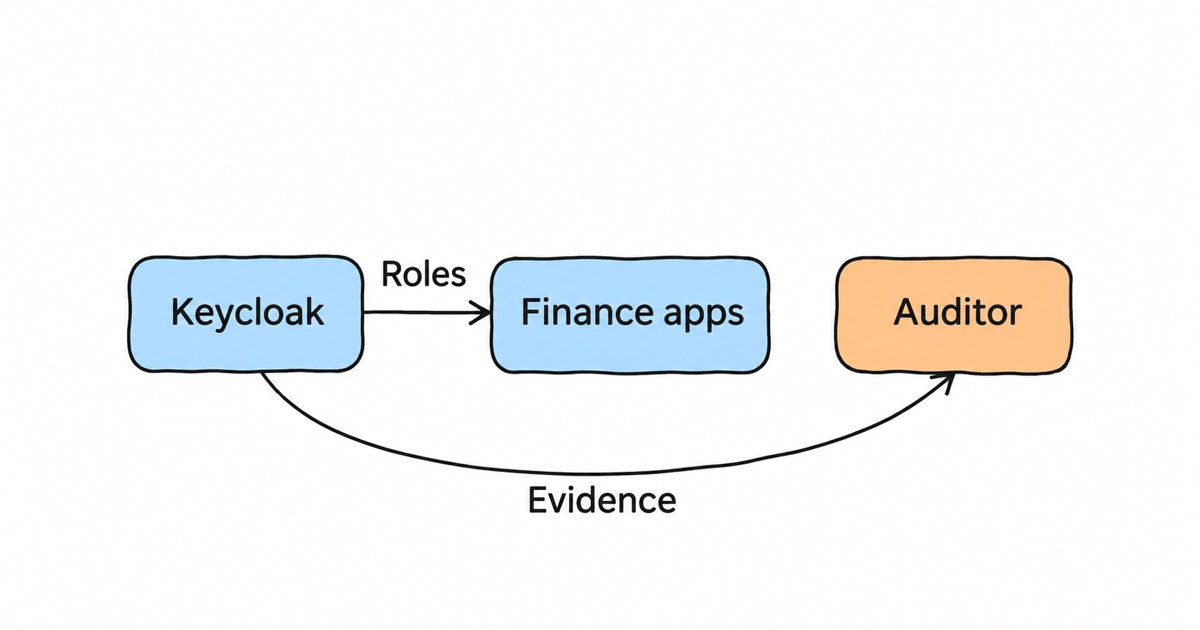
- Audit records who logged in, from where and what they changed, so you can investigate an incident and prove your controls to an auditor.
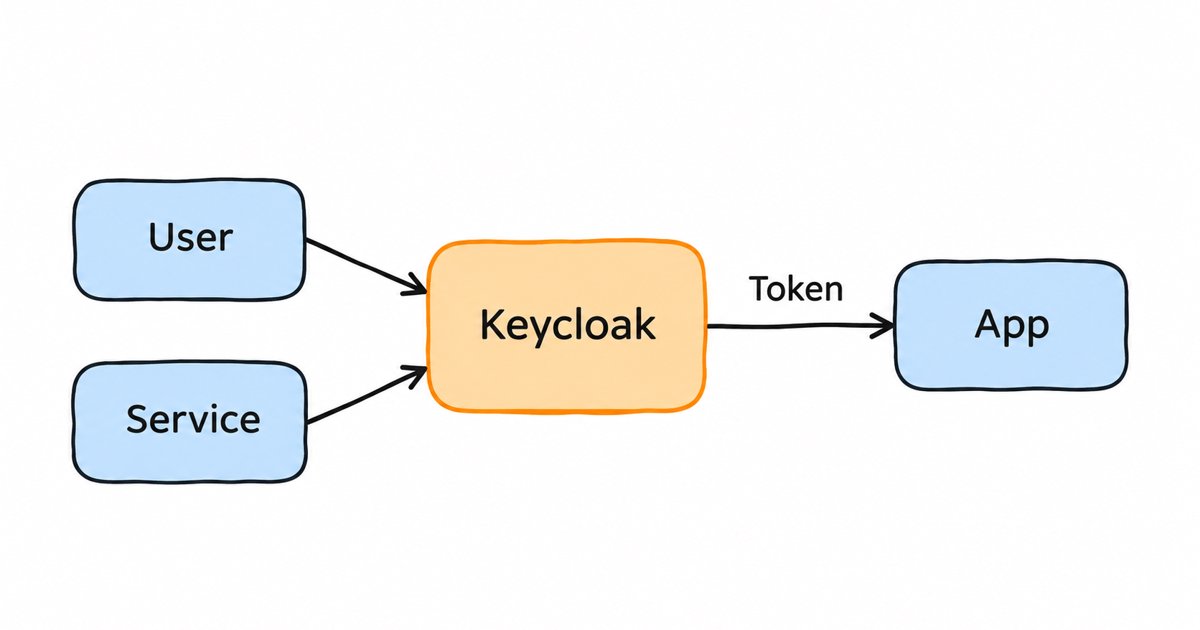
A central identity provider does the first two jobs for many applications at once. The application sends the user to the provider, the provider authenticates them and returns a signed token, and the application trusts that token instead of keeping its own password table. OpenID Connect is the standard most applications use for this today: it defines the ID token, a security token with claims about the user’s authentication, including who signed in (the subject), when they authenticated, and which application (the audience) the token was issued for.
Why is identity the new perimeter?
For a long time, security teams treated the corporate network as the boundary. Anything inside the firewall or the VPN was trusted, and most controls sat at the edge. That model no longer matches how work happens, because applications run as SaaS, staff log in from home, and services talk to each other across clouds. A valid login is enough to reach the data, wherever the request comes from.
The breach data reflects this. In the Verizon 2025 Data Breach Investigations Report, credential abuse was the leading initial way in, at 22% of breaches, ahead of exploited vulnerabilities at 20%. The 2026 report found that exploiting software flaws (31%) had overtaken stolen credentials as the biggest point of entry, the first time in 19 years that exploitation has surpassed them. That shift does not make identity less important, because an attacker who gets in through a software flaw often goes looking for credentials and tokens next, to move to other systems.
NIST SP 800-207, NIST’s publication on zero trust architecture, draws the conclusion for defenders: stop granting trust because of network location, and decide on every request based on the identity, the device and the resource. IAM is the system that makes those decisions, which is why people call identity the new perimeter.
What does IAM security cover?
“IAM security” is used in two ways, and both matter. The first is security delivered by IAM: the controls an identity system applies to keep attackers out of your applications. The second is the security of the IAM system itself, which is now one of the most valuable targets you run, because whoever controls it can sign in as anyone.
The controls that belong in both senses are:
- Strong authentication: multi-factor authentication for everyone who can reach sensitive data, with phishing-resistant passkeys where you can.
- Credential hygiene: password length and block lists, brute force detection, and no shared or default accounts.
- Least privilege: roles that grant only what each person or service needs, reviewed on a schedule.
- Session and token control: short-lived access tokens, rotated refresh tokens and a way to end every session for a compromised account.
- Lifecycle automation: accounts created and removed from the HR system or directory, not by hand.
- Hardening the identity provider: patched promptly, its admin console protected by MFA, and its events stored somewhere an attacker cannot erase.
Our enterprise IAM security checklist turns this list into checks you can run against your own setup.
Which identity attacks does IAM stop?
Each common identity attack takes advantage of one specific weak spot, and each has an IAM control that closes it. Here are the four you are most likely to meet, with the control and the Keycloak setting that implements it.
| Attack | What the attacker exploits | IAM control that stops it | In Keycloak |
|---|---|---|---|
| Credential stuffing and password spraying | Reused or common passwords | MFA, password block lists, brute force detection | OTP and WebAuthn, password policy, brute force detection |
| MFA fatigue (push bombing) | Users approving prompts they did not start | Phishing-resistant MFA, or number matching as a stopgap | WebAuthn passkeys |
| Token and session theft | Bearer tokens that work for whoever holds them | Short lifetimes, refresh token rotation, sender-constrained tokens | Timeouts, Revoke Refresh Token, DPoP |
| Over-privileged service accounts | Long-lived secrets with broad access | Least privilege per service, secret rotation, audit | Service account roles, scope mappings, client secret rotation |
Credential stuffing and password spraying
In credential stuffing, an attacker takes username and password pairs leaked from another site and tries them against yours, betting that people reuse passwords. Password spraying is the reverse: one or two very common passwords tried against many accounts, slowly enough to avoid lockouts. Both work because the password alone is the whole proof of identity.
The first defense is to make a password insufficient on its own by requiring a second factor. The second is to refuse the passwords attackers try first: NIST’s SP 800-63B-4 says verifiers shall compare a new password against a block list of commonly used, expected or compromised passwords, and that a password used as the only factor must be at least 15 characters. The third is to notice the guessing. Keycloak has brute force detection that temporarily or permanently disables an account after a number of failed logins, though it is off by default, so you have to turn it on. Its password policies include length and a password block list file, and its OTP policies cover authenticator apps as the second factor.
MFA fatigue and push bombing
Once MFA is in place, attackers who already have a password try to get the user to approve the second factor for them. In push bombing, they trigger login prompts on the user’s phone again and again until the user taps Accept to make them stop. CISA describes this attack and recommends phishing-resistant MFA as the fix, with number matching (the user types a number shown on the login screen into the app) as an interim step for organizations that cannot move yet.
NIST now treats this as a requirement rather than advice. SP 800-63B-4 says verifiers at Authentication Assurance Level 2 shall offer at least one phishing-resistant option, and its section on phishing resistance says that authenticators whose output the user enters by hand, such as one-time codes and out-of-band codes, shall not be considered phishing-resistant. It also says that out-of-band verifiers which send push notifications should set a reasonable limit on the rate or total number they send since the last successful authentication. Passkeys meet this bar because the browser only uses the credential on the site it was registered for, so neither a fake login page nor a flood of prompts can trick the user into handing it over. Keycloak supports passkeys and security keys through WebAuthn, as a second factor or for passwordless login. Our comparison of 2FA tools for apps and teams covers the options in more detail.
Token and session theft
Most identity controls act at the moment of login, but attackers increasingly skip the login and steal what it produces. After a user signs in, the application holds an access token, often a refresh token, and a session cookie. A standard bearer token works for whoever presents it, so an attacker who copies one from a log file, a compromised browser or a misconfigured proxy can use it until it expires, with no password and no MFA prompt.
Keycloak’s guidance on compromised access and refresh tokens starts with HTTPS everywhere and short access token lifespans, set on the realm’s timeouts page. With Revoke Refresh Token enabled, Keycloak revokes a refresh token when it is used and issues a new one that the client must use instead, which limits how long a stolen refresh token stays useful. When you know an account is compromised, an administrator can sign the user out of all sessions, which invalidates their refresh tokens.
The stronger fix is to make a stolen token useless. Keycloak supports DPoP (Demonstrating Proof of Possession, RFC 9449), which binds access tokens to a key pair held by the client. For public clients the refresh token is bound too, while confidential clients rely on their client credentials to protect it. Every call must carry a fresh proof signed with the private key, so a copied token on its own is rejected.
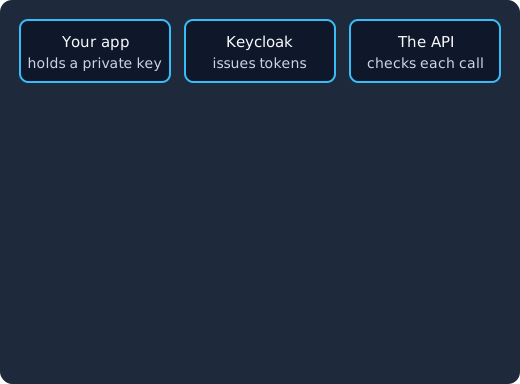
Keycloak issues your app a token bound to its key pair, your app calls the API with the token and a proof signed by that key, and the API accepts it. An attacker who copies the token cannot sign the proof, so the API rejects their call.
Over-privileged service accounts
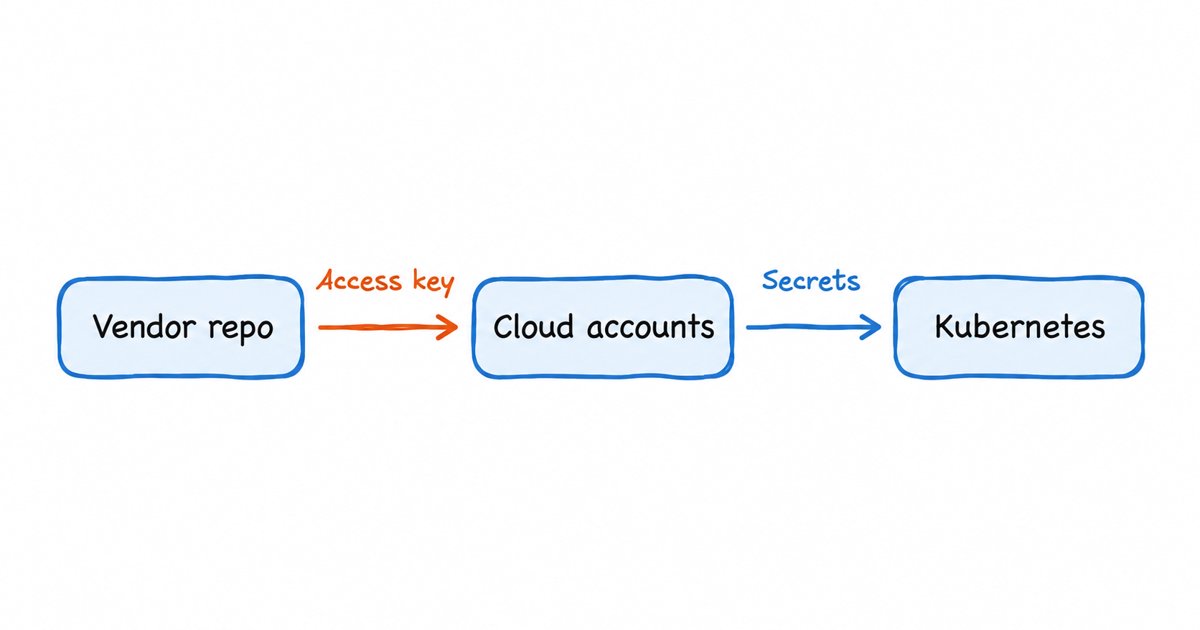
Service accounts are the identities your own software uses to call other software: a billing job reading the customer database, a CI pipeline deploying to production, a backend calling an internal API. They often get broad access because that was the quickest way to make an integration work, and their secrets are long-lived and copied into config files and pipelines. An attacker who finds one of those secrets gets every permission the account has, with no MFA in the way.
The IAM control is least privilege applied to machines, with the same care you give to people. In Keycloak, each OIDC client can have a built-in service account that gets tokens through the client credentials grant. The documentation tells you to grant it only the roles it needs through explicit role scope mappings rather than the deprecated Full Scope Allowed switch, and client secret rotation through client policies limits how long a leaked secret stays valid. Our guide to machine-to-machine authentication in Keycloak walks through the setup.
What about non-human identities and AI agents?
Service accounts are one kind of non-human identity. API keys, workload certificates, CI tokens and, more and more, AI agents are others. They rarely get the same reviews as people do: nobody runs a leaver process for an integration that was retired two years ago, so its credentials keep working.
AI agents add a twist, because they often act for a user rather than for themselves. An agent that reads your calendar and books meetings needs a token that says both which agent is calling and which user it is acting for, scoped to that task and short-lived, so that a misbehaving or manipulated agent cannot reach more than the user allowed. Standard OAuth 2.0 patterns cover much of this, and we show how in authenticating AI agents with Keycloak and non-human identity for AI agents on Keycloak. If you are comparing vendor approaches, our review of Microsoft Entra Agent ID vs Keycloak looks at how a dedicated agent identity product differs from building on an open-source identity provider.
Patched on the day, not on your next maintenance window
Keycloak 26.7.2 fixed CVE-2026-18963, an account takeover through password reset. Skycloak had it available for auto-upgrade and told customers the same day upstream shipped it. Self-hosted teams schedule that work themselves.
How does IAM implement zero trust?
NIST SP 800-207 describes zero trust in terms of a policy decision point, which decides whether a request should be allowed, and a policy enforcement point, which sits in front of the resource and carries out that decision. Access to each resource is granted per session, based on the identity, the state of the device and the sensitivity of the resource, and it is checked again rather than trusted for the rest of the day.
An identity provider plays the decision role for authentication: it checks the user, applies MFA or step-up rules, and issues a token that says who the user is and what they may do. API gateways, application middleware and reverse proxies play the enforcement role, by validating that token on every request and refusing what it does not allow. Short token lifetimes are what make the “per session” part real, because each refresh is a chance to apply the current policy instead of the one in force at login. Our guide to zero trust authentication with Keycloak shows these patterns in a working setup.
Where does IAM stop?
IAM covers the everyday access of everyone and everything, but two neighbouring disciplines go further in specific directions. Privileged access management (PAM) protects the small number of accounts that can change systems, such as database admins and root accounts, with vaulting, just-in-time elevation and session recording; IAM vs PAM explains where one ends and the other starts. Identity governance and administration (IGA) adds access reviews, approval workflows and separation of duties on top of IAM, mostly for audit; IAM vs IGA covers when a growing team needs it.
Lifecycle automation sits on the line between them. SCIM, the System for Cross-domain Identity Management protocol, is a standard HTTP-based protocol that HR systems and directories use to create, update and remove accounts in other systems, which is how a leaver’s access disappears everywhere on the same day. Recent Keycloak releases document a SCIM API for users and groups that you enable on the server and then per realm; our post on the Keycloak SCIM API shows how.
Do you need a commercial IAM product?
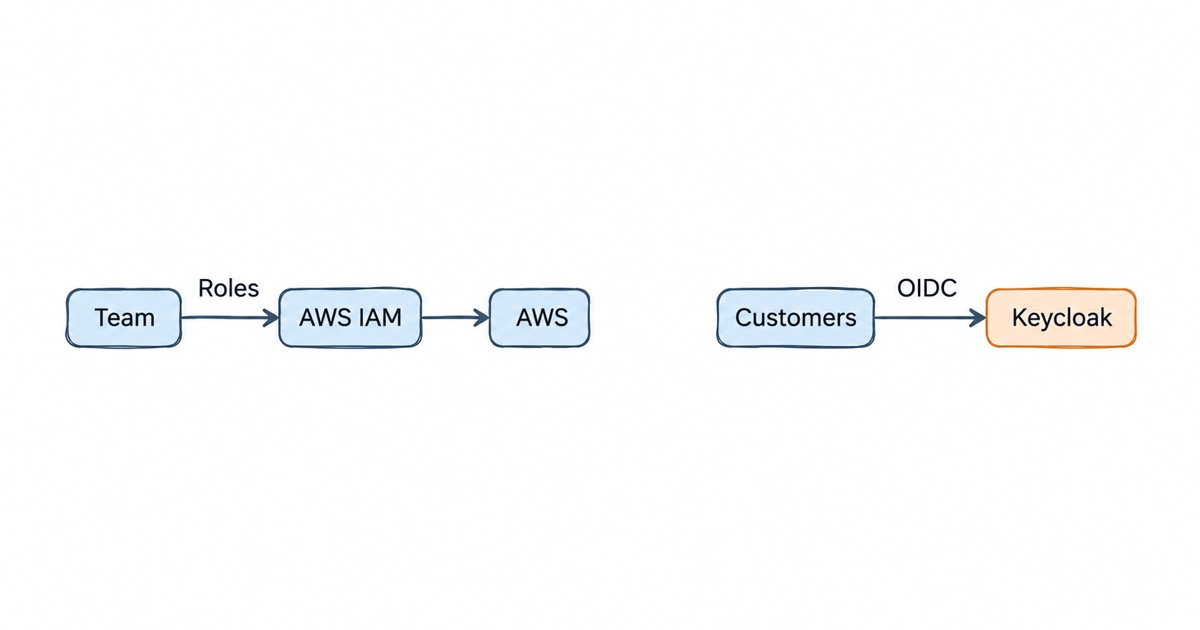
No. The controls in this post come from open standards (OpenID Connect, OAuth 2.0, WebAuthn, SCIM) and NIST guidance, and every major identity provider implements them, commercial or open source. Keycloak is a widely used open-source option: it supports all of the controls above, and you can run it yourself or have it run for you. The choice usually comes down to who on your team will operate, patch and upgrade the identity provider, since it has to be maintained like any other system that every login depends on.
Frequently asked questions
Is IAM part of cyber security?
Yes. IAM is the part of cyber security that controls who and what can reach your systems and data. Frameworks treat it as a core domain: NIST’s zero trust architecture puts identity at the centre of every access decision, and security questionnaires routinely ask about MFA, access reviews and offboarding.
Is IAM a good cybersecurity career path?
It is a recognised specialism within cyber security, with roles such as IAM engineer, IAM analyst and identity architect. The work combines security knowledge (attacks, controls, audit) with protocol and integration work (OIDC, SAML, SCIM, directories), so people often come to it from system administration, development or security operations. If you want to start, setting up an open-source identity provider such as Keycloak, connecting an application with OIDC and adding MFA is a practical way to learn the core of the job.
Does MFA stop all identity attacks?
No. MFA stops most password-only attacks, but push-based MFA can be beaten by push bombing, codes can be phished through fake login pages, and nothing at login protects a token that is stolen afterwards. Phishing-resistant passkeys, short-lived and sender-constrained tokens, and least privilege for service accounts cover the gaps that MFA leaves.
What is the difference between IAM and zero trust?
Zero trust is a security model: trust no request because of where it comes from, and check each one. IAM is the set of systems that does much of that checking, by authenticating identities, issuing tokens and enforcing what each identity may reach. You can run IAM without zero trust, but you cannot build zero trust without IAM.
Summary
IAM in cyber security proves who or what is asking for access and limits what it can do, and because attackers so often work through credentials and tokens, it is now the boundary that matters most. For each common attack there is a specific control: MFA, block lists and brute force detection against credential stuffing; passkeys against MFA fatigue; short lifetimes, rotation and DPoP against token theft; and least privilege with secret rotation for service accounts and AI agents. Run your setup against our enterprise IAM security checklist to find your weakest identity controls and fix those first. If you would rather not operate the identity provider underneath them yourself, we run managed Keycloak hosting, so your team can spend its time on these settings rather than on patching and upgrading the server.